Who can help me set up Fin for Zendesk?
Help centre sync, Zendesk triggers and tags, Workflows, testing and phased go-live, delivered by a certified Fin partner.

Help centre sync, Zendesk triggers and tags, Workflows, testing and phased go-live, delivered by a certified Fin partner.
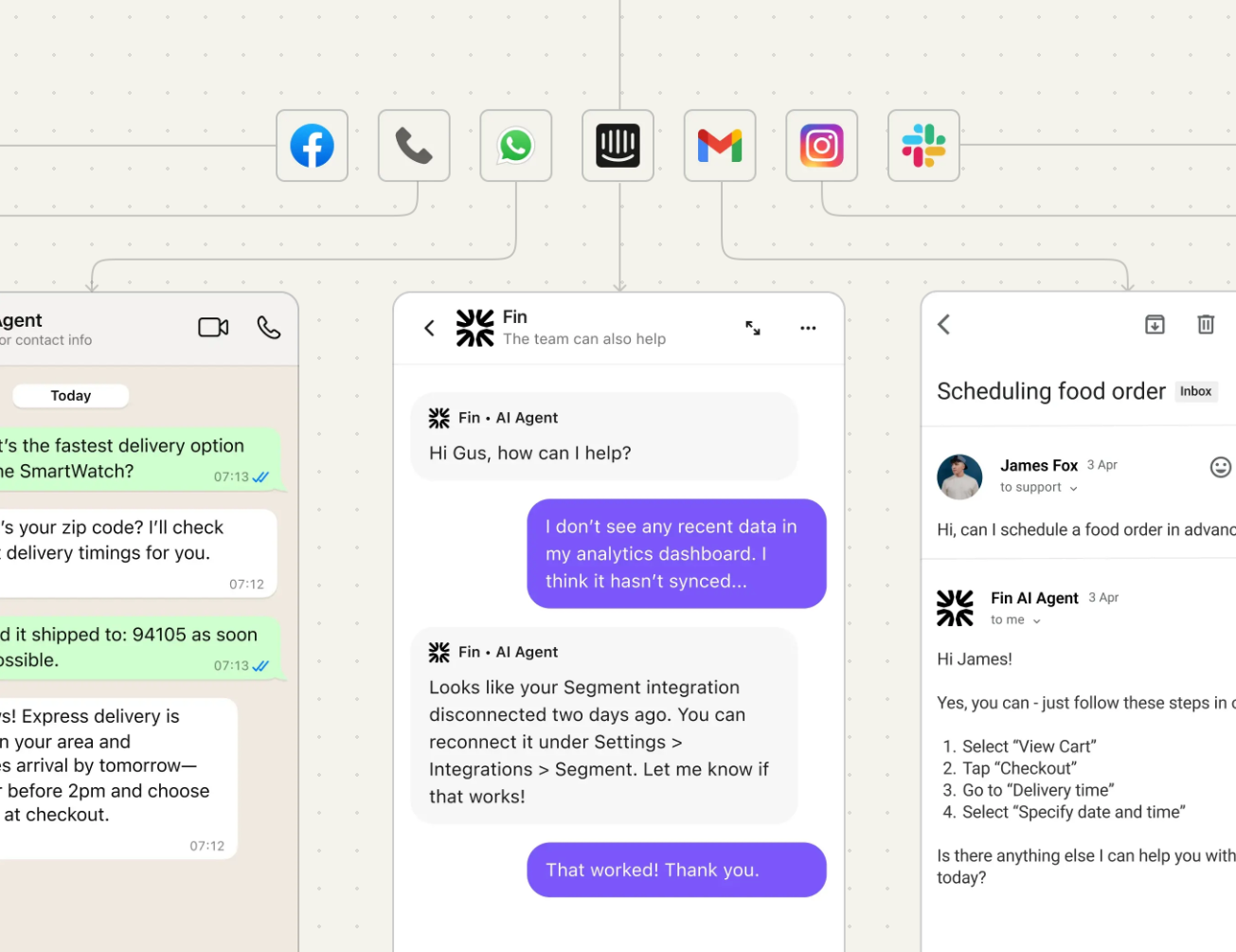
The SaaSy People are Intercom's Solution Partner of the Year for our Fin delivery and a Zendesk Advanced Partner, so we know both sides of this integration. We set up Fin on Zendesk from the first scoping call through to go-live. That means connecting Zendesk, syncing your help centre, fitting Fin's triggers and tags around your existing Zendesk automations, designing how Fin hands off to your team, and testing it against real tickets before you switch it on.
This page walks you through how the integration actually works, the Zendesk decisions that matter, what to test, and what a sensible timeline looks like.
Fin works inside your existing Zendesk setup, so your agents stay in Zendesk and Fin handles the front line. Zendesk stays your system of record: every conversation Fin is involved in is captured on a Zendesk ticket, so your reporting carries on as normal. There are five core steps to a working setup:
Connect Zendesk. Fin connects to Zendesk Tickets and Zendesk Messaging through separate secure connections, approved by a Zendesk admin.
Train Fin on your content. Fin syncs your Zendesk help centre, and you can add PDFs, text snippets and guidance on tone and escalation. The quality of that content sets the ceiling on your resolution rate.
Test against real queries. Before anything goes live, Fin is run against a control set of your most common customer questions, and every answer is checked for accuracy and escalation.
Deploy channel by channel. Each channel is connected, configured and launched on its own, starting with a controlled rollout by customer segment or topic.
Analyse and improve. Fin's performance reporting and content gap insights show where answers fall short, so you can improve the content and run the loop again.
The connection is quick. The value is in the Zendesk design decisions underneath it, which is where most teams want a partner.
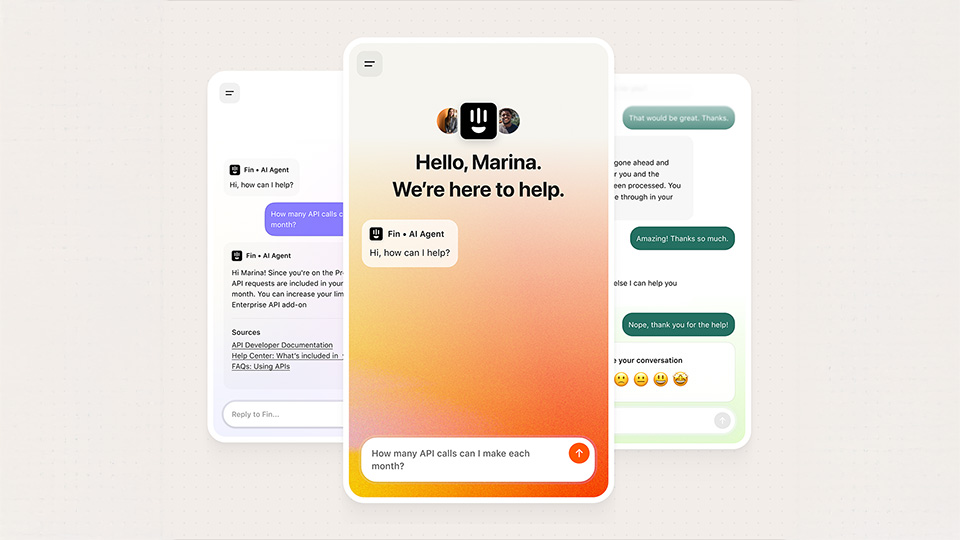
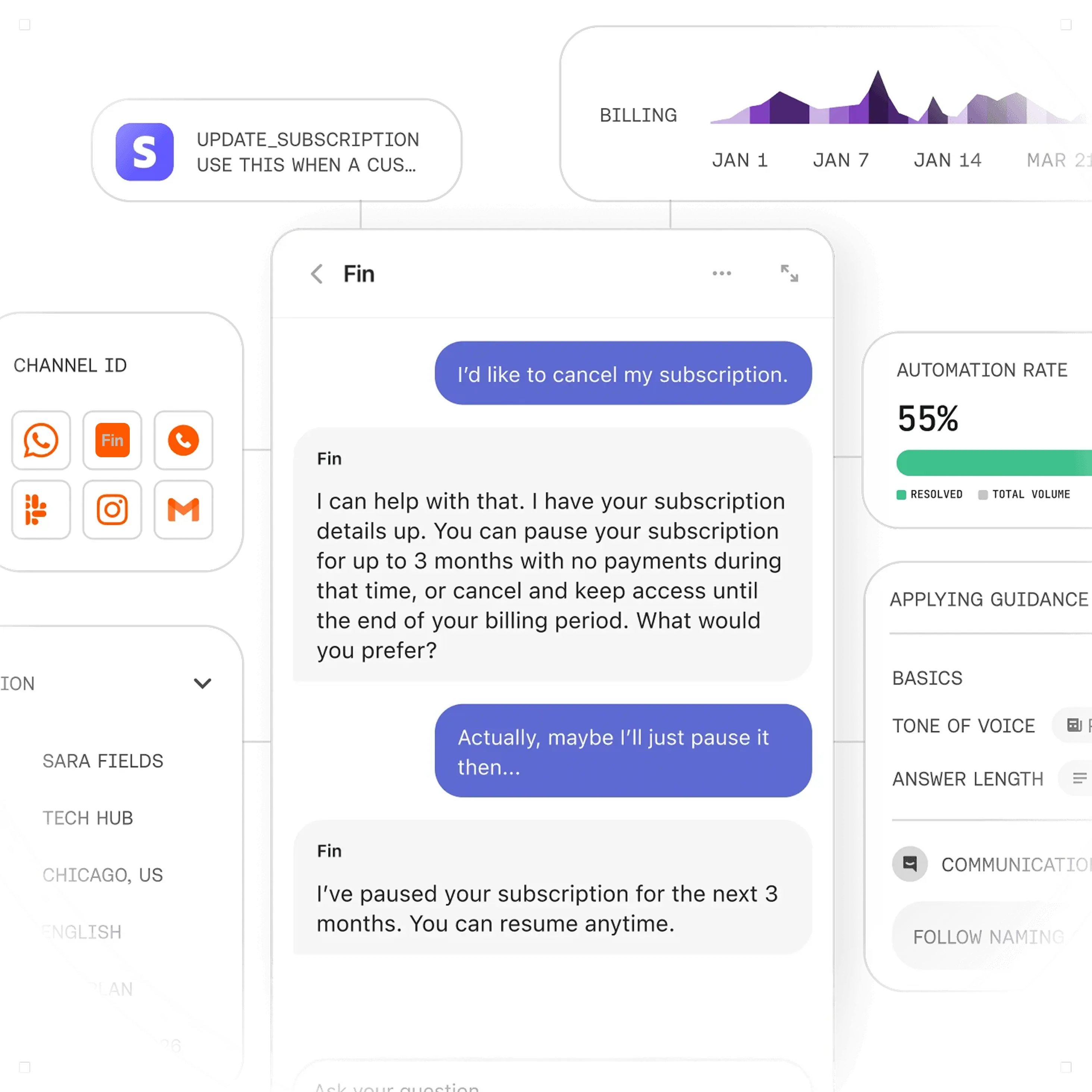
Getting the channel scope right early saves rework later. Fin works across three routes into Zendesk:
Zendesk tickets from email and contact forms. Fin is assigned as an agent on new tickets, reads the conversation history, replies, and tags each ticket for routing and reporting.
Zendesk Messaging. Fin answers on web, iOS, Android, WhatsApp, Facebook and Instagram, and escalates to your team when needed. Messaging needs the Sunshine API, which is included in Zendesk Suite Professional, Enterprise and Enterprise Plus, or can be bought separately.
Fin Messenger. If you'd rather use Fin's own Messenger on your site, conversations started there appear as tickets in Zendesk, so nothing sits outside your helpdesk.
This is the part the generic guides skip. Fin doesn't slot into a mature Zendesk instance on its own. Your triggers, tags and routing decide whether it works.
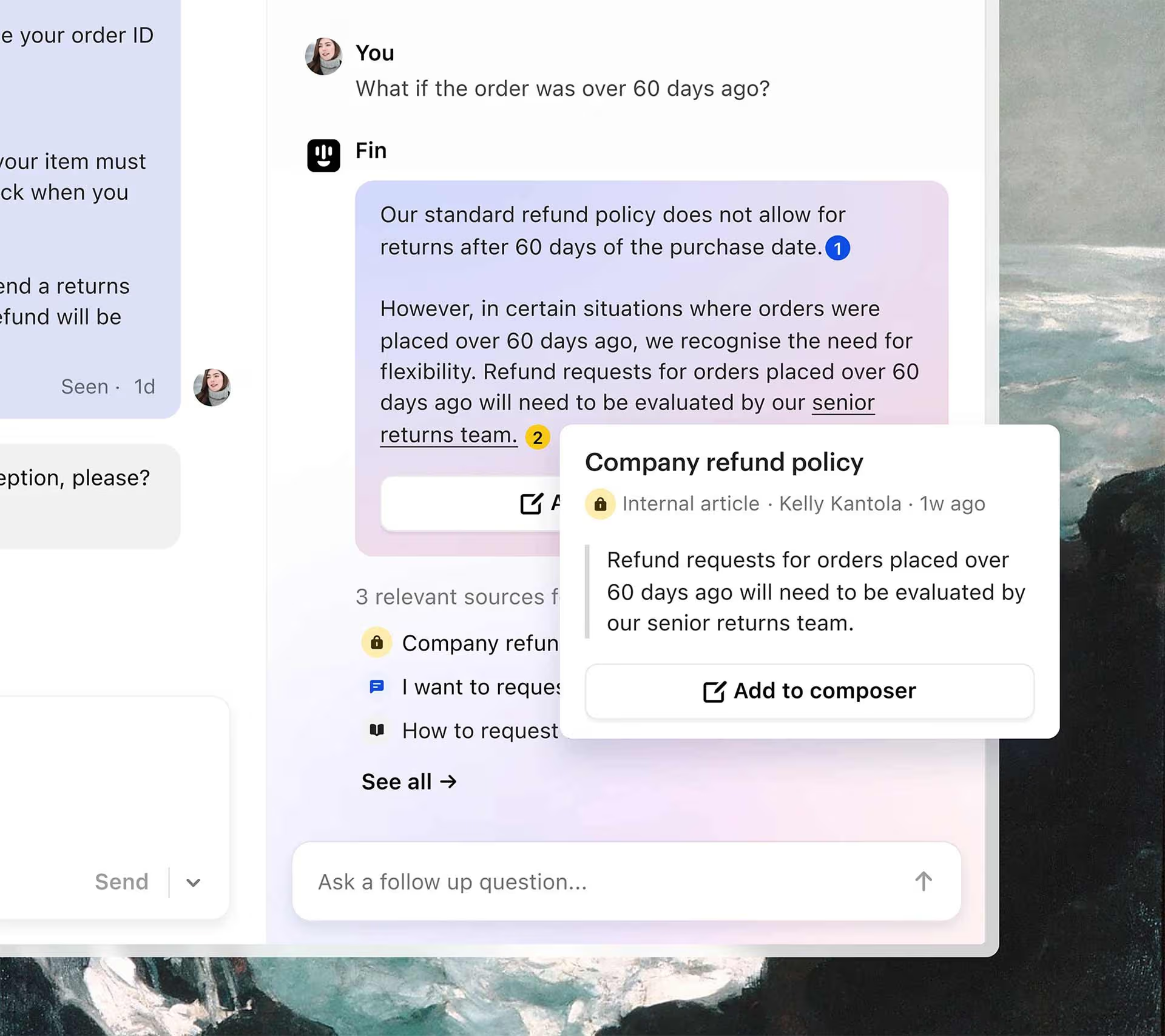
Fin's agent identity. Fin works tickets as a dedicated Zendesk agent, and only answers tickets assigned to it. Deciding which tickets get assigned to Fin, and when, is the first and most important routing decision.
Fitting Fin's triggers around yours. Fin adds its own Zendesk triggers for testing, assignment, conversation updates, resolution and failsafe. Existing escalation triggers that fire before Fin gets a chance to answer will quietly bypass it, so every live trigger needs reviewing and, where needed, reordering.
Tags and routing after hand-off. When Fin resolves a ticket it tags it as resolved. When it can't, it unassigns itself, tags the ticket as routed to your team and reopens it. Those tags are what your routing triggers build on, so the hand-off lands with the right group rather than in a general queue.
Closing the gaps. Fin doesn't set a ticket to Solved when it closes a conversation for inactivity, and a customer reply after hand-off creates a new ticket rather than going back to Fin. Both need a Zendesk automation or a routing rule, or they'll show up as mess in your queues and reporting.
The principle we work to: map every ticket's path before go-live, from first assignment to final status, so nothing falls between Fin and your team.
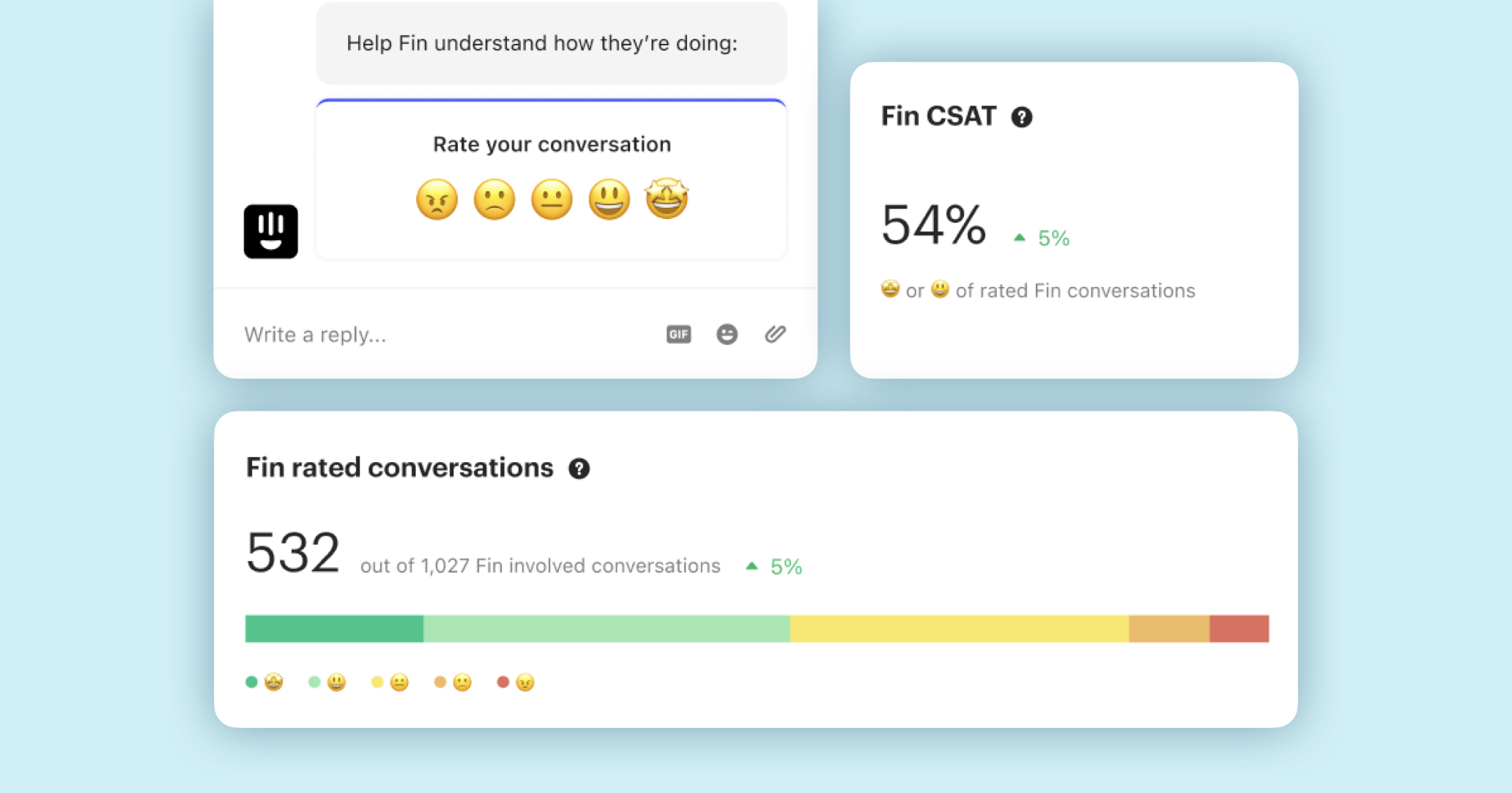
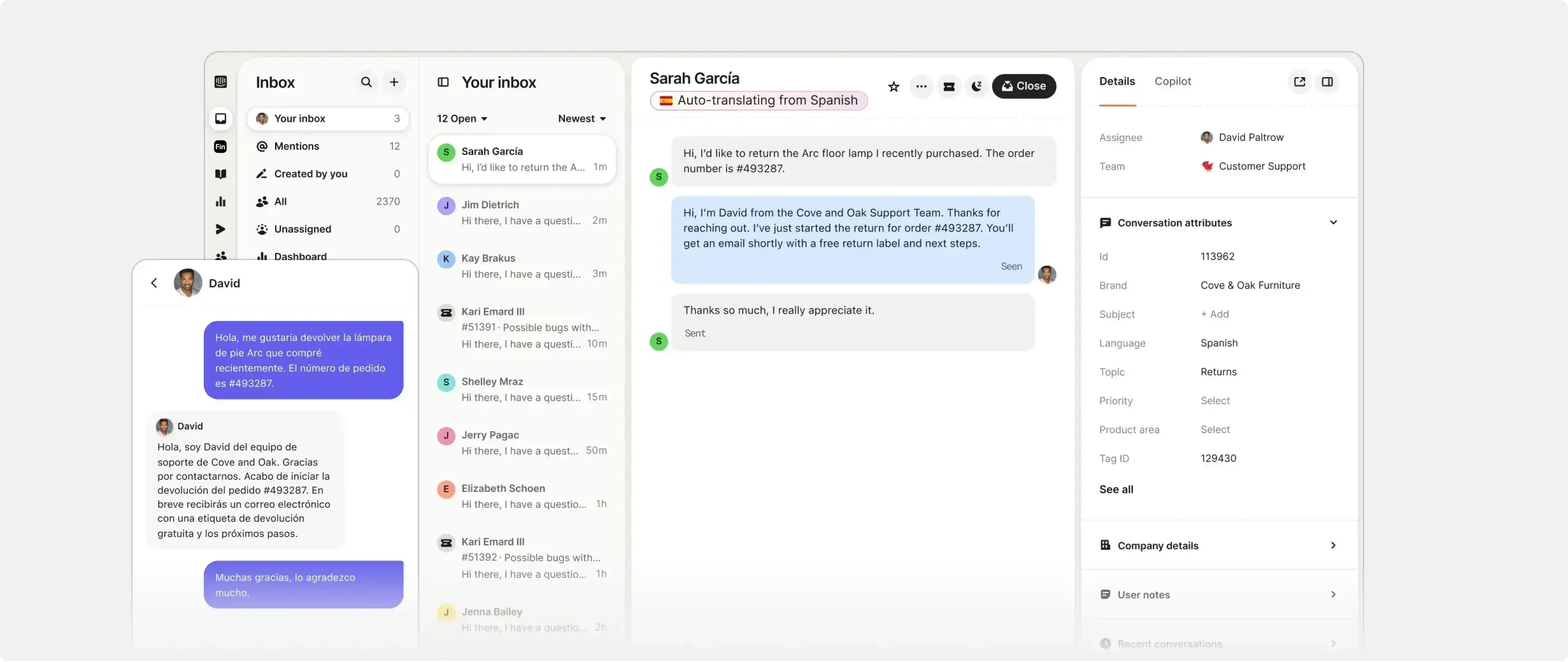
Fin's behaviour is built in Workflows, a no-code drag-and-drop builder. This is where the operating model comes to life. With Workflows you can:
- Set how Fin greets each customer
- Route questions by topic, sentiment and other signals
- Triage new tickets
- Collect details like name and email before handing off
- Use Custom Answers for specific, high-stakes questions where you want an exact response
- Summarise the conversation with AI before it reaches an agent
- Hand over to the right team
We usually design escalation as three layers. First, Fin resolves the simple, repeatable queries from your approved help centre content. Second, it gathers missing detail and routes anything account-specific or sensitive to the right Zendesk group. Third, it hands complex tickets, complaints or billing disputes to named teams with a clean summary attached. Writing these rules before launch, not after, is what keeps agents from receiving tickets with no context.
We run Fin for Zendesk projects in phases, because the right pace depends on how complex your Zendesk instance is and how many support paths you need to map.
Discovery. Confirm goals, support flows, channels and Zendesk dependencies.
Trigger and routing review. Audit your existing triggers, automations, groups and tags so Fin fits around them.
Configuration. Connect Zendesk, sync your help centre and set Fin's tone, guidance and escalation rules.
Hand-off design. Define routing, Zendesk groups and ownership in Workflows.
Test scenarios. Run your most common queries and edge cases through Fin and check every answer and hand-off.
Agent training. Show your team how Fin hands off, what the tags mean and what context they'll receive.
Go-live and hypercare. Launch channel by channel with close monitoring, then refine content, routing and triggers based on real tickets.
A focused rollout on tickets or a single messaging channel can move in weeks rather than months. Larger Zendesk environments, with many triggers, groups and brands, need more time for review, testing and training, and we'll be straight with you about which one you're in.
Most Fin partners know Fin. Most Zendesk partners know Zendesk. We're Intercom's Solution Partner of the Year for our Fin delivery and a Zendesk Advanced Partner, and we've configured Fin for businesses running Zendesk, Salesforce, HubSpot and Freshdesk as well as Intercom. That matters, because a Fin for Zendesk rollout needs the AI design and the Zendesk configuration to land together.
Our consultants handle the whole journey: discovery, trigger review, configuration, testing and training. Our UK consultants are direct-hire, onshore employees working UK hours, and our US team in Austin, Texas gives you continuity across time zones. We're ISO 27001:2022 certified, so your security team can sign us off quickly.
If you'd rather have one partner manage the full setup than stitch together a Fin specialist and a Zendesk consultant, that's exactly what we're built for.
A certified Fin partner. The SaaSy People set up Fin for Zendesk end to end: connecting Zendesk, syncing your help centre, configuring the Zendesk triggers and tags Fin relies on, designing hand-off in Workflows, testing against real tickets and going live in phases. We're Intercom's Solution Partner of the Year for our Fin delivery, with consultants in the UK and the US.
Not always. The connection itself is quick and a Zendesk admin can complete it. A partner earns their keep in the decisions around it: how Fin's triggers fit with your existing Zendesk automations, how tickets route after hand-off, what Fin should and shouldn't answer, and how you test before go-live. Those decisions decide your resolution rate.
You need admin access to both your Zendesk account and your Fin workspace. Fin works on Zendesk tickets from email and web forms without anything extra. To use Fin on Zendesk Messaging you also need the Sunshine API, which is included in Zendesk Suite Professional, Enterprise and Enterprise Plus, or can be bought separately.
No. Zendesk stays your system of record. Fin works as an agent on your Zendesk tickets and messaging, every conversation it touches is captured in Zendesk, and anything it can't resolve is handed back to your team with tags you can route on.
Our Fin expert services start from £995 per day in the UK and $1,295 per day in the US, with ongoing optimisation from £49 / $79 per hour. Fixed-price options are available. Fin usage is priced separately by Intercom.
A focused rollout on tickets or a single messaging channel can go live in a few weeks. Larger Zendesk environments, with many triggers, groups and brands, need more time for trigger review, testing and agent training, and we'll tell you up front which one you're in.


.png)