Who can help me set up Fin for Salesforce?
Knowledge sync, OAuth, Pre-Chat field mapping, Workflows and phased go-live, delivered by a certified Fin partner.

Knowledge sync, OAuth, Pre-Chat field mapping, Workflows and phased go-live, delivered by a certified Fin partner.
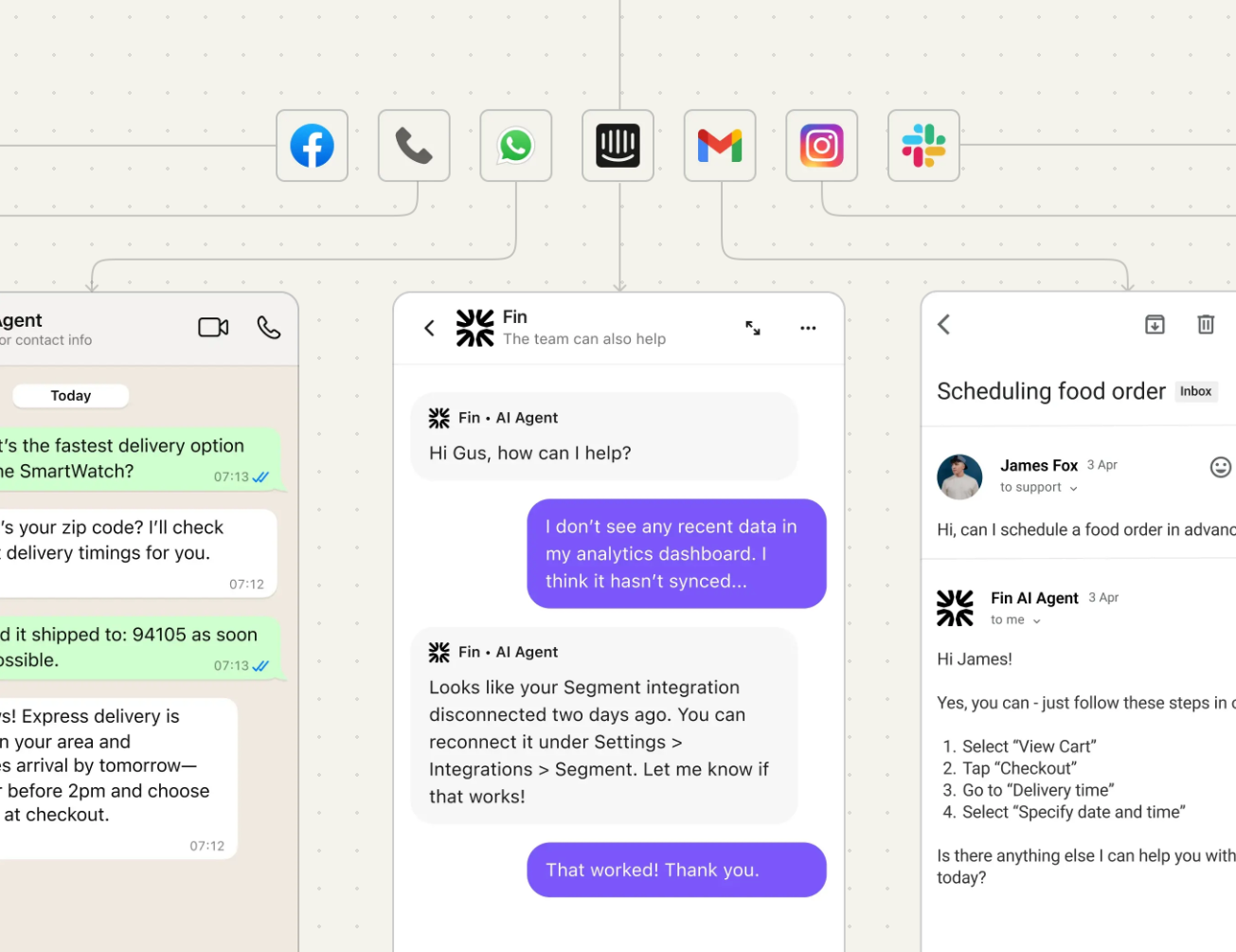
The SaaSy People are a certified Intercom partner, and we set up Fin on Salesforce Service Cloud from first scoping call through to go-live. That means syncing your Knowledge Articles, connecting Fin via OAuth, designing how it greets and hands off to your team, mapping the right data into Salesforce, and testing it against real cases before you switch it on.
This page walks you through how the integration actually works, the setup decisions that matter, what to test, and what a sensible timeline looks like.
Fin runs directly on Service Cloud, so your agents stay in Salesforce and Fin handles the front line. It resolves customer queries across cases and live chat, draws on conversation history for context, and tailors each answer to the channel it's replying on.There are four core steps to a working setup:
Sync your Knowledge Articles. Fin answers from your approved Salesforce Knowledge, so the quality of that content sets the ceiling on resolution rate.
Connect Fin to Salesforce using OAuth. This is the secure authentication layer that lets Fin read and act on the objects you allow.
Configure the greeting and hand-off. You decide how Fin introduces itself and, more importantly, when it steps back and passes the conversation to a human.
Test and go live. You prove the behaviour against real scenarios, then launch in a controlled phase.
It sounds simple, and the connection genuinely is quick. The value is in the design decisions underneath it, which is where most teams want a partner.
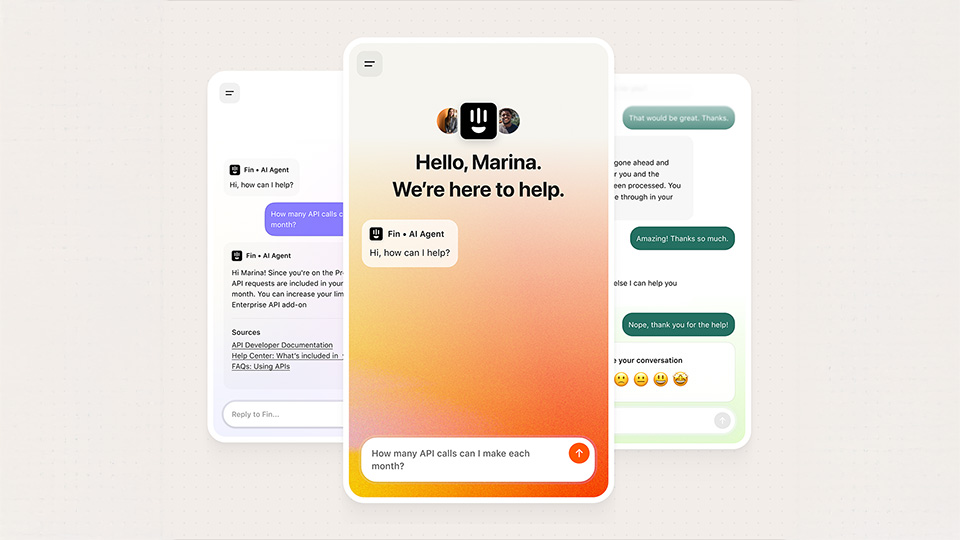
Getting the channel scope right early saves rework later. On Service Cloud, Fin currently works across:
Cases raised by email and web forms. When a customer emails or submits a form, Fin picks the case up based on your assignment rules and answers it.
Live chat on Fin Messenger, with handoff to Salesforce In-App Messaging.
Intercom has also signalled more channels on the roadmap, including live chat on Salesforce Messenger, WhatsApp, Facebook Messenger, Instagram Direct Message, and native Android and iOS. We'll scope your build around what's live today and flag anything that's coming so you're not designing around a feature that isn't there yet.
This is the part the generic guides skip. Fin doesn't magically understand your Salesforce org. You decide what it can see and do.
Pre-Chat fields. Fin Messenger pushes live chat data into Salesforce Pre-Chat fields automatically. These capture the essentials at the start of every conversation, things like who the customer is and what they're asking about. You then map those fields to specific Salesforce objects using Salesforce Flows, which is how you automate the downstream routing and record-keeping.
Salesforce Flows for field mapping. Flows are where you connect Fin's data to the rest of your org. You can route incoming information into the right case or customer record based on logic you define, so the handoff lands with context rather than a blank slate.
What context to surface. Rather than dumping every object at Fin, the useful work is choosing the smallest set of fields that lets an agent pick up a conversation without asking the customer to repeat themselves. In practice that usually means case subject, status, priority and type, plus enough contact and account detail to identify who you're speaking to. If you want Fin's answers to reflect things like support tier or account value, that's a mapping and Workflows exercise, not something that happens on its own.
The principle we work to: structured fields beat free text every time, because they keep routing consistent and the handoff readable.
This is the part the generic guides skip. Fin doesn't magically understand your Salesforce org. You decide what it can see and do.
Pre-Chat fields. Fin Messenger pushes live chat data into Salesforce Pre-Chat fields automatically. These capture the essentials at the start of every conversation, things like who the customer is and what they're asking about. You then map those fields to specific Salesforce objects using Salesforce Flows, which is how you automate the downstream routing and record-keeping.
Salesforce Flows for field mapping. Flows are where you connect Fin's data to the rest of your org. You can route incoming information into the right case or customer record based on logic you define, so the handoff lands with context rather than a blank slate.
What context to surface. Rather than dumping every object at Fin, the useful work is choosing the smallest set of fields that lets an agent pick up a conversation without asking the customer to repeat themselves. In practice that usually means case subject, status, priority and type, plus enough contact and account detail to identify who you're speaking to. If you want Fin's answers to reflect things like support tier or account value, that's a mapping and Workflows exercise, not something that happens on its own.
The principle we work to: structured fields beat free text every time, because they keep routing consistent and the handoff readable.
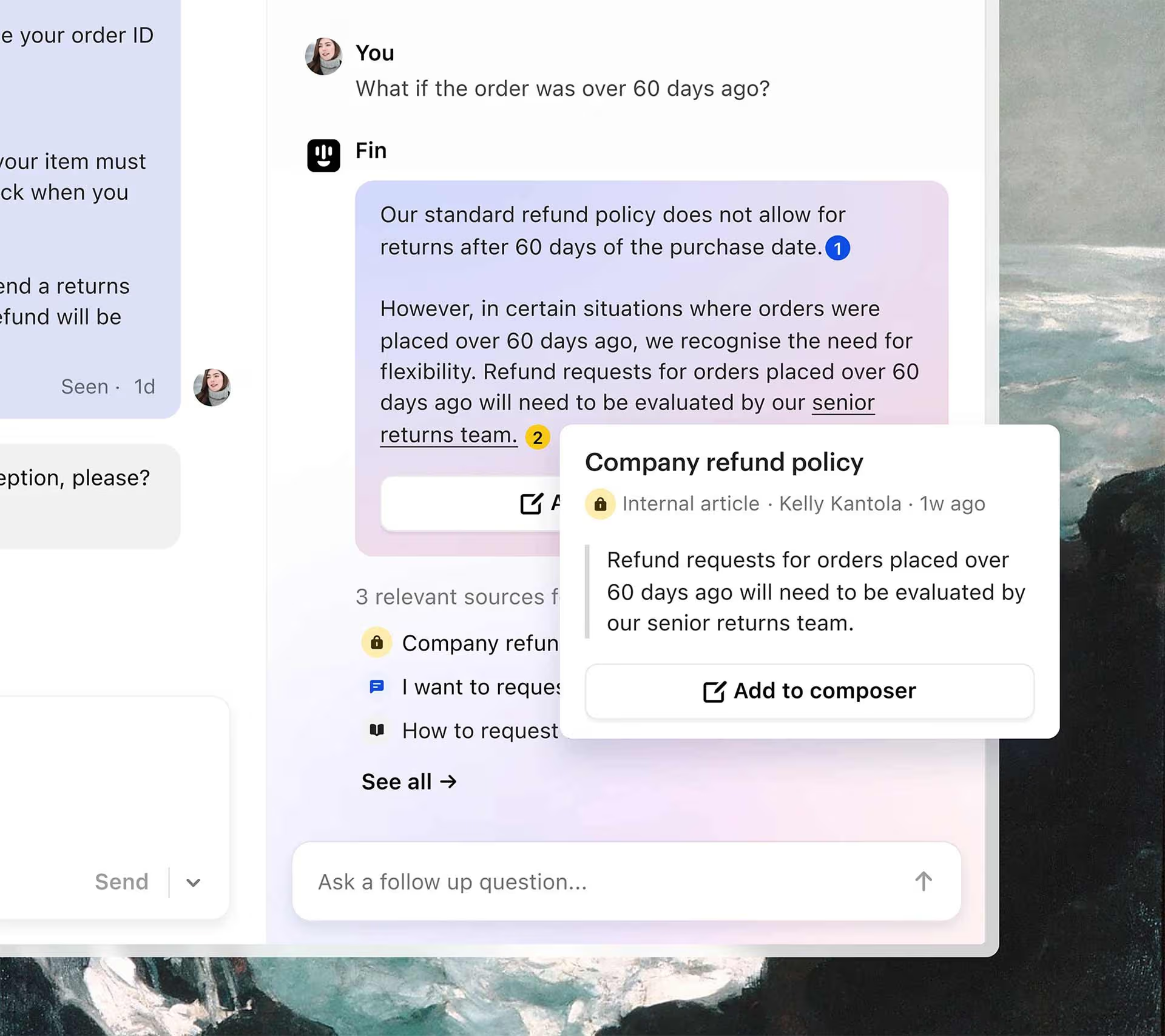
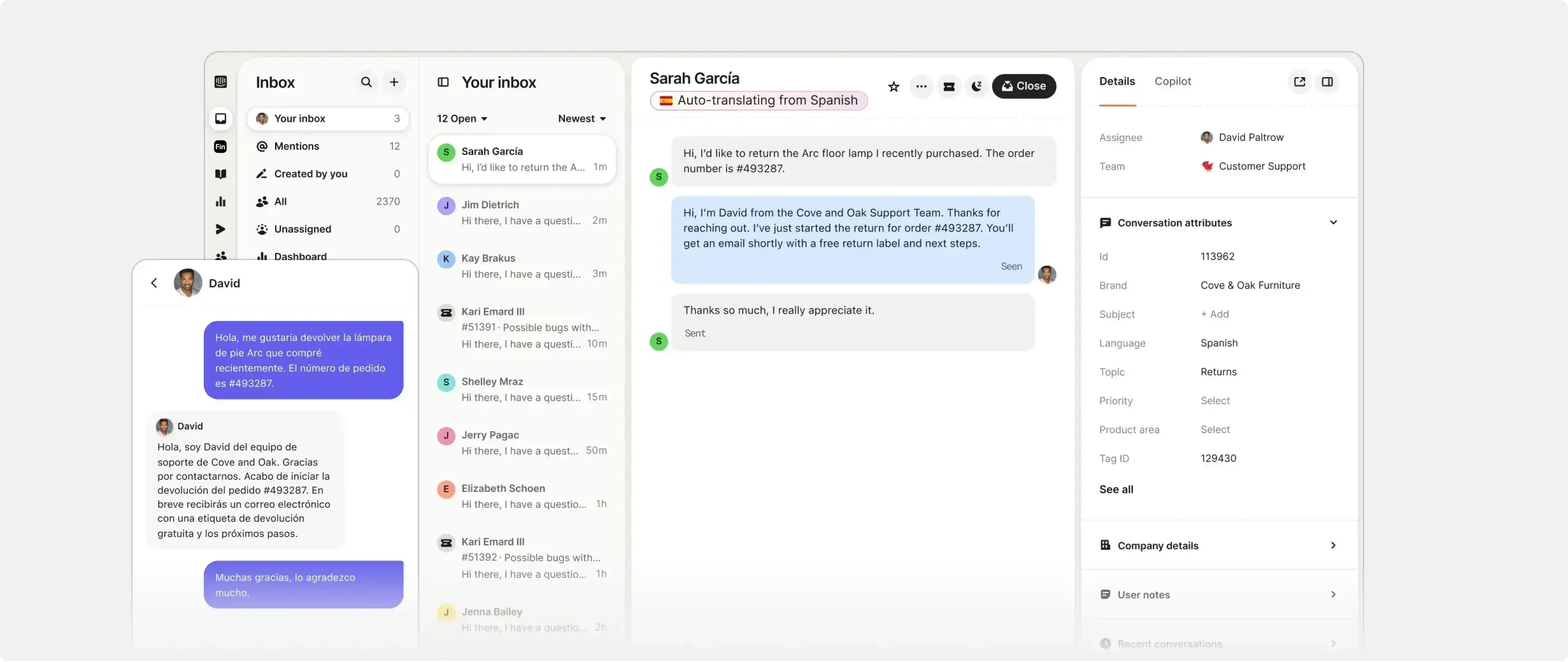
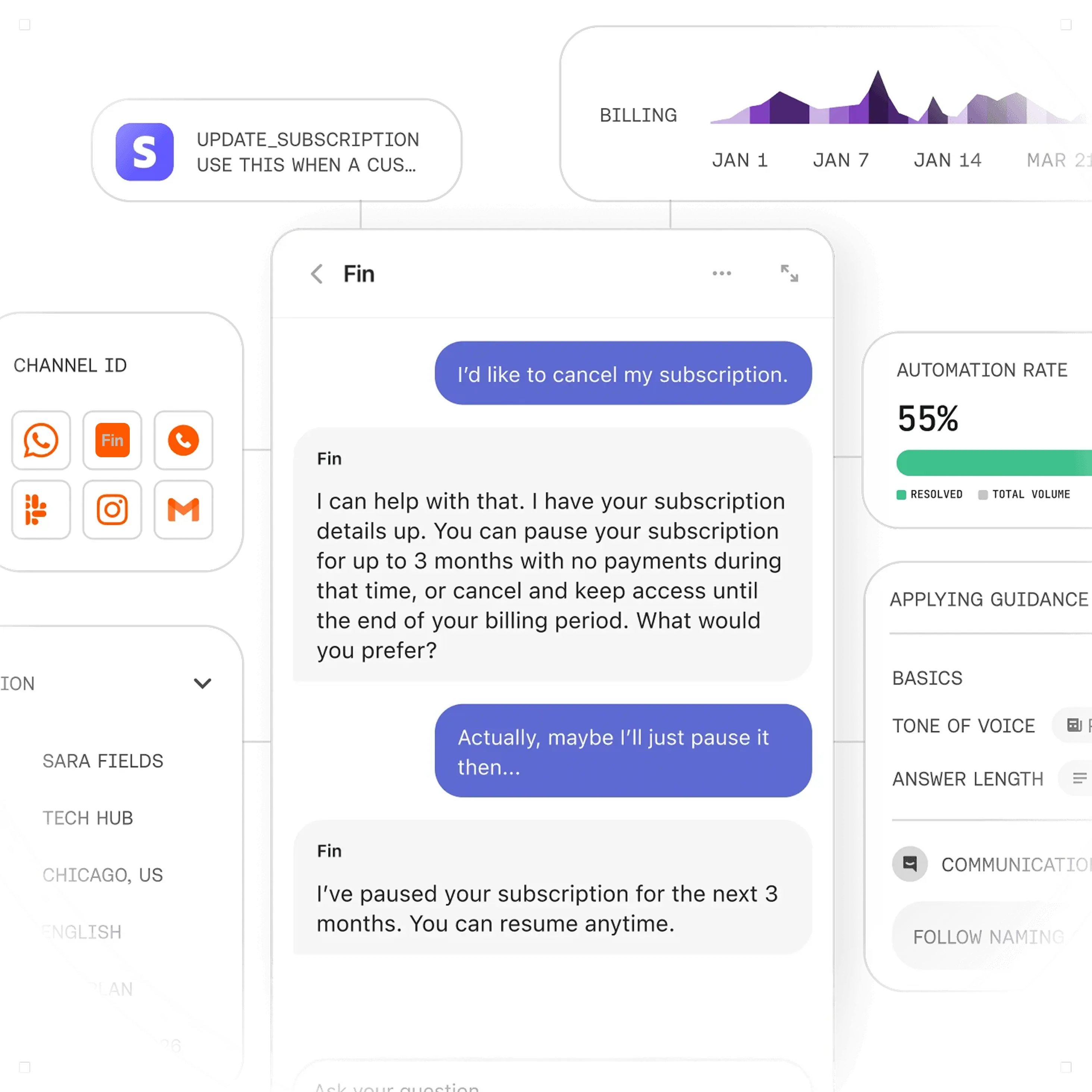
Fin's behaviour is built in Workflows, Intercom's no-code drag-and-drop builder. This is where the operating model comes to life.
With Workflows you can:
- Set how Fin greets each customer
- Route questions by topic, sentiment and other signals
- Triage new cases
- Collect details like name and email before handing off
- Use Custom Answers for specific, high-stakes questions where you want an exact response
- Summarise the conversation with AI before it reaches an agent
- Hand over to the right team
We usually design escalation as three layers. First, Fin resolves the simple, repeatable queries from approved Knowledge. Second, it gathers missing detail and routes anything account-specific or sensitive to the correct queue. Third, it hands complex cases, complaints or billing disputes to named agent groups with a clean summary attached. Writing these rules before launch, not after, is what keeps agents from receiving conversations with no context.
We run Fin for Salesforce projects in phases, because the right pace depends on how tidy your Salesforce data is and how many support paths you need to map.
Discovery. Confirm goals, support flows and Salesforce dependencies.
Configuration. Sync Knowledge, connect via OAuth, and map objects, fields and Pre-Chat data.
Hand-off design. Define agent queues, escalation paths and ownership in Workflows.
Test scenarios. Run sample conversations across common journeys and edge cases.
Agent training. Show your team how Fin hands off and what context they'll receive.
Go-live. Launch in a controlled phase with close monitoring.
Post-launch review. Refine routing, content and field mapping based on real usage.A well-scoped setup with tidy Salesforce data can move in weeks rather than months. More complex environments, with multiple queues or strict handoff requirements, need more time for testing and training, and we'll be straight with you about which one you're in.
We're a certified Intercom partner, and we've configured Fin for businesses running Salesforce, Zendesk, HubSpot and Freshdesk. That mix matters, because a Salesforce rollout needs both the technical integration and the operational design to land together.
Our UK and US-based consultants handle the whole journey: discovery, solution design, configuration, integrations, testing and training. If you're a UK team, you get local working hours and a delivery style built for British support operations. If you need US coverage, you get continuity across time zones, which helps when support and sales want to review Fin's behaviour together.
If you'd rather have one partner manage the full setup than stitch together separate consultants, that's exactly what we're built for.
It automates customer support on Service Cloud while keeping everything in Salesforce. Fin resolves cases and live chat queries from your approved Knowledge, and routes anything complex to the right agent with context attached.
Four steps: sync your Knowledge Articles, connect via OAuth, configure the greeting and hand-off, then test and go live. The connection is quick, the design work around it is where the value sits.
You can map Fin's data to Salesforce objects using Salesforce Flows, and route information into the right records based on logic you define. What updates automatically versus what waits for human review is a design decision you make up front.
It helps enormously. Fin can still be configured with messy data, but inconsistent fields make testing and handoff quality harder to manage. Tidy Knowledge and structured fields give you a higher resolution rate.
Yes. We work with UK and US-based organisations, which is useful when support, sales and customer success are spread across time zones.
It depends on scope, data quality and the number of handoff paths. A focused rollout can move in phases over a few weeks; more complex, multi-queue environments need longer for configuration, testing and training.


.png)