September 16, 2026

Many monday.com guides focus on the basics: clicking a few buttons, adjusting the colour of a date bar, and getting started quickly.
It certainly looks great!
While simple setups are perfect for smaller tasks, they can feel limited when you are managing high-stakes implementations or detailed client onboarding.
When approval times vary or technical steps shift, standard date bars might not give you the full picture you need to stay on track. This is where a few expert adjustments can make all the difference for your delivery dates.
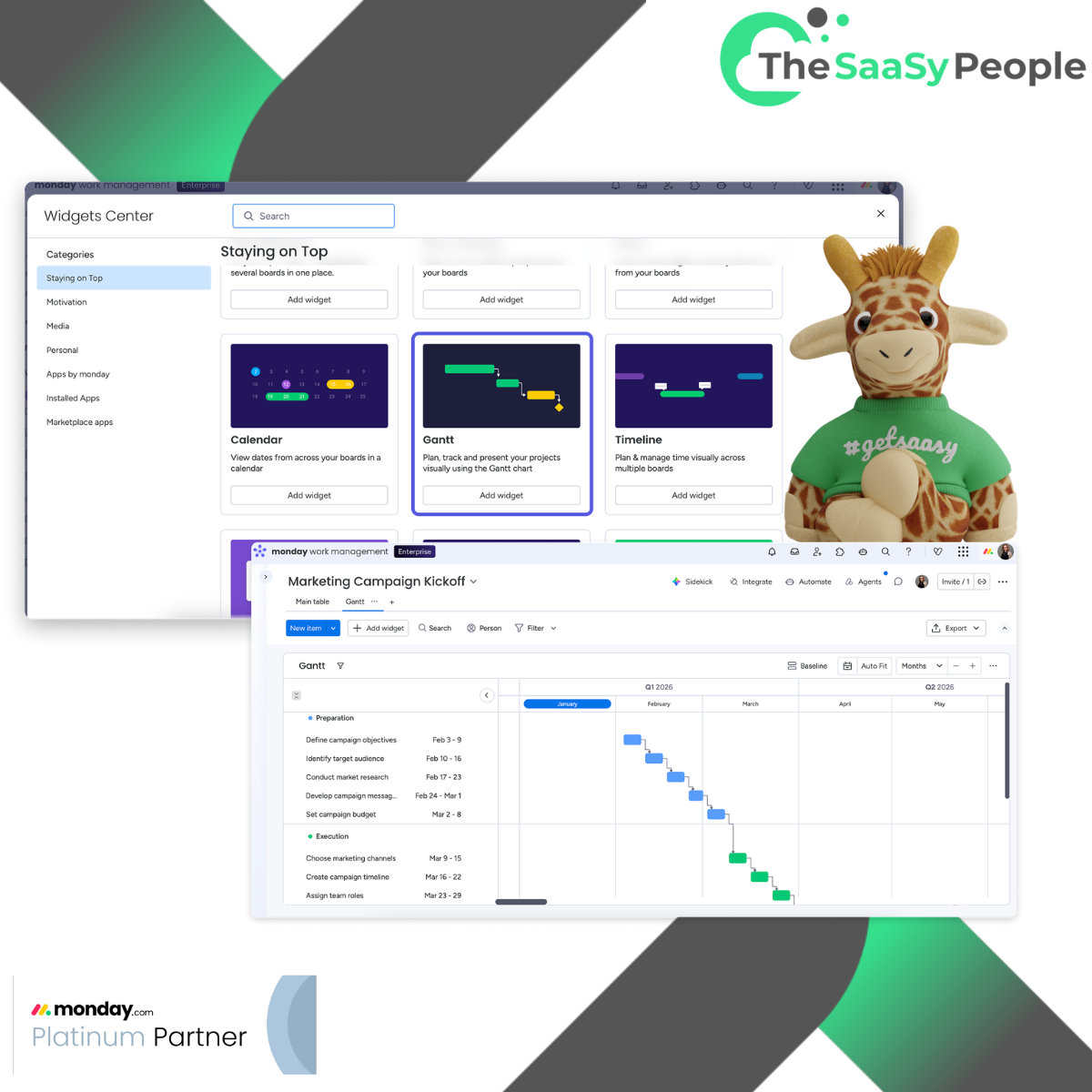
At The SaaSy People, we enjoy helping teams architect monday.com environments that truly support their daily work. Here is how you can move beyond static views and transform your Gantt chart into a helpful, active tool for your team.
1. Save Time with Smart Dependency Logic
The Manual Way: Spending time clicking and dragging dozens of downstream tasks whenever a project milestone needs to shift slightly.
The SaaSy Way: Utilising Strict Dependency Mode alongside dynamic date-shifting automations.
When your initial task moves, your subsequent timeline automatically recalculates, keeping everything perfectly aligned without the extra admin work.
💡 How We Can Help: We help map your team's unique operational logic directly into monday.com. By configuring critical path overlays and dependency rules, we ensure your team spends less time on schedule maintenance and more time on the work they love.
2. Gain Clarity with Baseline Tracking
The Standard Way: Looking at current dates and trying to recall how they compare to your original plan.
The SaaSy Way: Enabling Baseline Tracking.
A baseline creates a helpful shadow layer of your original project scope. If a phase begins to drift, you can easily see the difference between your initial goals and your current progress, helping you adjust early and stay on track.
💡 How We Can Help: Keeping projects within scope is much easier when you have clear data. Our experts set up customised baseline reporting views that make progress visible instantly, allowing your PMs to have supportive conversations with clients and keep everyone aligned on the plan.
3. See the Big Picture: Multi-Board Dashboards
The Standard Way: Monitoring one project at a time, which can make it difficult to see how the whole portfolio is performing.
The SaaSy Way: Bringing multiple project Gantt charts together into one centralised Executive Dashboard.
This bird’s-eye view allows directors to see every milestone and blocker across all active projects in real time, without having to switch between different boards.
💡 How We Can Help: Smooth delivery starts with a clean workspace. We design cross-board dashboards and workload overlays to help you support your team, ensuring everyone has a manageable workload and projects remain healthy.
Ready to Make monday.com Your Team's Favourite Tool?
Setting up a simple chart is a great start, but building an automated system that supports your growth is where the real magic happens.
As a Platinum monday.com and monday.com’s EMEA Partner of the Year, The SaaSy People are here to help you bridge software features with your daily operations. Whether you are looking for a complete workspace build, custom automations, or friendly team training, we’re here to help you get the best value from your technology.
👉Book a monday.com Health Check with The SaaSy People
Let's look at your current setup together and build a workspace that makes work easier and more enjoyable for everyone.



.png)